
For patients and familiesThe devices,
and what they do.
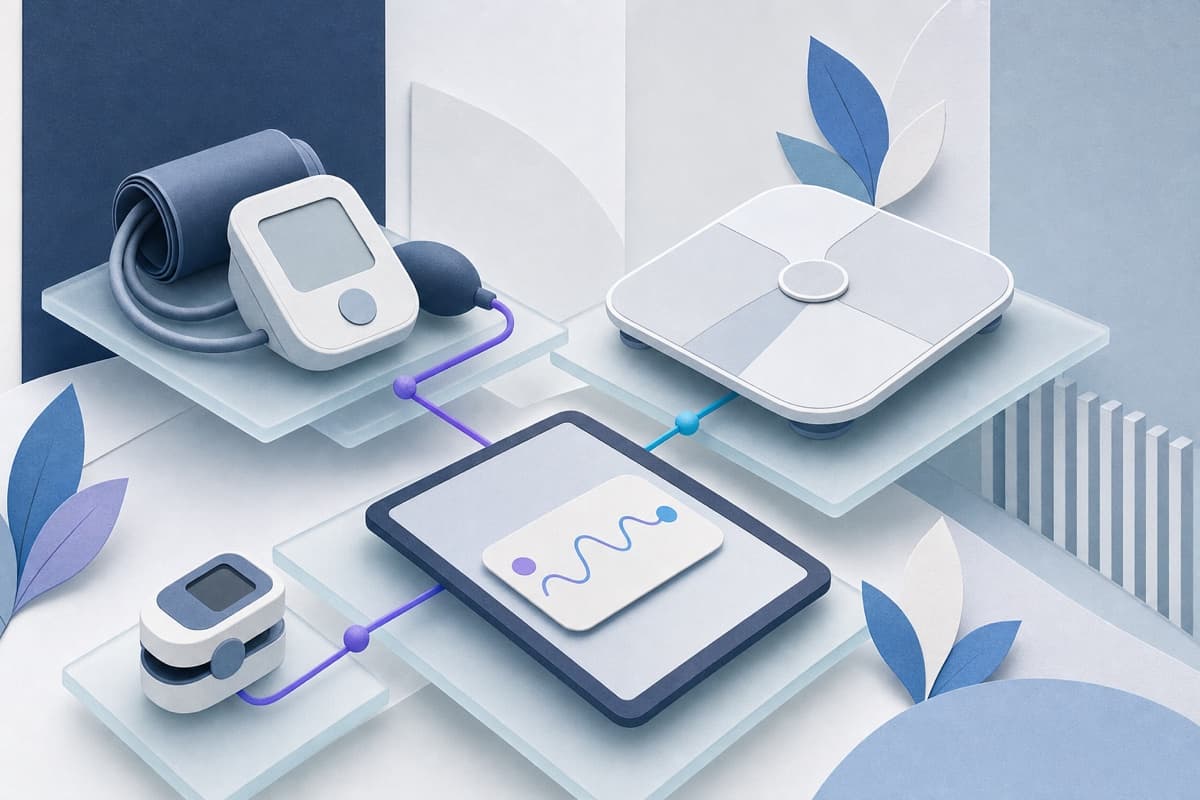
Which device you receive depends on what your clinician is following. They arrive ready to use, connect on their own, and none of them need a phone or Wi-Fi.
In an emergency, call 911. Remote monitoring is not an emergency service and is not watched every second. If you have symptoms that worry you, contact your clinician or seek emergency care.
One device, or a few.
You will only be sent what your clinician actually needs. If something arrives that you were not expecting, call us — it is easier to sort out early.
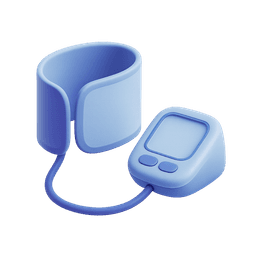
Blood pressure cuff
Wraps around your upper arm and measures blood pressure and pulse. The most common device, and the one where technique matters most — see the guide on taking an accurate reading.
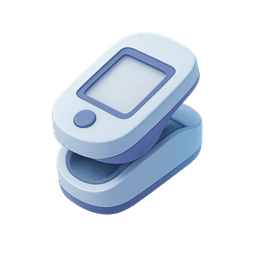
Pulse oximeter
A small clip for your fingertip that measures oxygen level and pulse. Cold hands, dark nail polish, and artificial nails can all interfere with it.
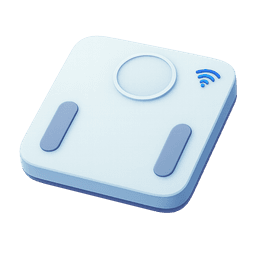
Connected scale
Looks like an ordinary bathroom scale and sends your weight automatically. Weigh at the same time each day, ideally in the morning, wearing about the same amount.
They are meant to be boring.
They connect on their own
The devices use a cellular connection built into them. There is no Wi-Fi to join, no app to sign into, and no smartphone or home internet required.
Charging
Some devices take batteries and some charge on a cable. Whichever you have came with instructions; if the device stops responding, that is usually the reason.
If it breaks, we replace it
Call us. Devices fail, get dropped, and go missing — none of that is a problem you need to solve yourself, and you will not be left without one.
Returning them
If you stop monitoring, we will tell you how to send the equipment back. Do not throw it away.
Before you assume it is broken.
Most device problems are one of a few things, and none of them are your fault. If none of this helps, call us — do not spend an afternoon on it.
The screen is blank
Almost always power. Replace the batteries, or charge it overnight on the cable it came with.
A reading looks impossible
Check the fit and position first — a cuff too loose, too tight, or worn over a thick sleeve gives strange numbers. On a fingertip clip, cold hands and nail polish are the usual culprits. Take it again after resting.
It says it cannot send
The devices use a cellular signal, which is weaker in some rooms than others. Try a different room, nearer a window. Readings taken offline usually send once signal returns.
You are going away
Take the device with you if you can. Tell your practice if you will be away for a long stretch, so a gap in readings is expected rather than alarming.
Good equipment asks nothing of you.
No app, no pairing, no Wi-Fi, no smartphone. If a device is making you think about it, something is wrong and we would rather replace it than have you work around it.
You will never be charged for a device that fails on its own, and you will not be asked to repair one. Call us and we replace it.
Something not working? We replace it.
Call us. Devices fail, get dropped and go missing, and none of that is a problem you should be solving on your own.